Features & Specs
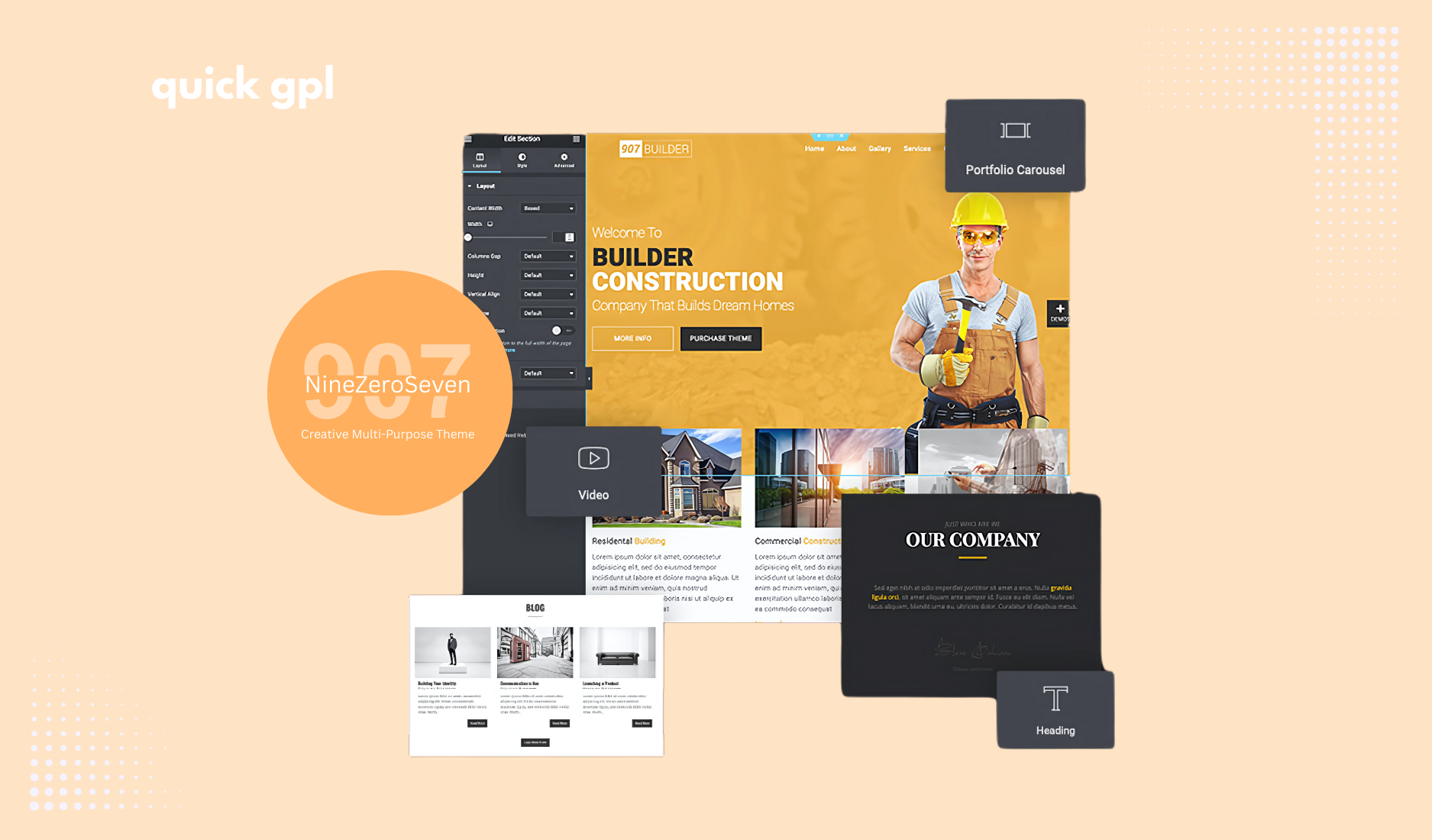
If you want a flexible WordPress theme that works for almost any website, 907 – Responsive Multi-Purpose WordPress Theme GPL is a great choice. Once you install it, you’ll see how easy it is to build pages that look clean, modern, and professional on any device — desktop, tablet, or mobile. It comes with pre-built templates and works with popular page builders like Elementor, WPBakery, and Gutenberg, so you don’t have to touch a single line of code if you don’t want to.
How do I customize 907 Theme?
It’s pretty simple. After activating the theme, you can use the WordPress customizer or your page builder. Change colors, fonts, and layouts, add sliders, galleries, portfolios, or blog sections — all while seeing your changes live. Even if you’re new to WordPress, it’s easy to get professional-looking results. If you want more detail guise, we have a setup guide below
Can I use it for an online store?
Yes. The theme works smoothly with WooCommerce and Easy Digital Downloads. You can create a shop, sell products, or combine your website with blogs and portfolios — all without worrying about compatibility issues.
Can I create online courses with the 907 Multi-Purpose Theme?
Yes! The 907 Theme works with LMS plugins like LearnDash, LifterLMS, or Tutor LMS. You can design course pages using Elementor or WPBakery, while the theme ensures responsive layouts and styling.
Which LMS plugin works best with the 907 Multi-Purpose Theme?
The 907 Theme is fully compatible with LearnDash, LifterLMS, and Tutor LMS. LearnDash is ideal for professional courses with advanced features, while LifterLMS and Tutor LMS are lightweight and beginner-friendly.
Will it work on mobile devices?
Absolutely. The theme is fully responsive, so your site will look great on smartphones and tablets just like on desktop. All templates adjust automatically to different screen sizes.
How to setup 907 Responsive Multi-Purpose Theme?
Here is a brief step-by-step setup guide for 907 Responsive Multi-Purpose Theme. Hope this will be helpful. If you are installing it in any active website with other theme or in other words changing the theme then make sure you take a backup of your website before you follow these steps for safety.
- Download the product ZIP from QuickGPL.
- In WordPress go to Dashboard → Plugins → Add New → Upload Plugin (or Appearance → Themes → Add New → Upload Theme), upload the ZIP, click Install then Activate.
- If prompted, click Begin installing required plugins and install/activate the needed add-ons (e.g., Elementor, WooCommerce, LMS/Membership).
- Run any onboarding wizards (WooCommerce store setup, LMS pages).
- Import a starter demo/site from the theme’s Demo Import (if available).
- Set Settings → Reading to your homepage, assign menus in Appearance → Menus, and adjust widgets in Appearance → Widgets.
- In your builder, set global styles and Elementor → Tools → Regenerate CSS (and regenerate thumbnails if needed).
- Set Settings → Permalinks → Post name, then clear any cache (plugin/server/CDN).
- Test key flows (add to cart/checkout or course enroll/login). 10) If upload limits block you, unzip and upload via FTP to /wp-content/themes or /wp-content/plugins, then activate from the dashboard.
How to use LearnDash with the 907 Multi-Purpose Theme?
Using LearnDash with the 907 Theme is simple. You can fully integrate LearnDash while keeping the 907 Theme’s design intact. Here’s a step-by-step guide:
- First, install and activate the 907 Theme, then install the LearnDash plugin from your website’s Plugins → Add New → Upload.
- Run the LearnDash setup wizard to create courses, lessons, and quizzes.
- Once your course content is ready, use the 907 Theme’s page builder (Elementor or WPBakery) to design beautiful layouts for course pages, dashboards, and sales pages. The theme’s responsive design ensures all LearnDash features—like progress tracking, quizzes, certificates, and student profiles—look clean and professional on any device.
- Now you get full LearnDash functionality combined with the visual customization power of the 907 Theme.
Tips for Best Results:
-
Always use Elementor or WPBakery to style course pages for a consistent look.
-
Keep LearnDash content inside the theme’s container or layout blocks to preserve responsive design.
-
Test WooCommerce or payment gateways in sandbox mode before going live.
Is 907 multi-purpose GPL theme safe to use?
Yes. This is the 100% original GPL licensed version, so it’s fully legal, secure, and update-ready. You won’t find any cracked or nulled files here, which means your site stays safe.
Is it fast and SEO-friendly?
Yes. 907 is optimized for speed and performance. Even websites with many pages, images, or products load quickly. It also supports caching plugins and is built with SEO best practices in mind.
In short, 907 – Responsive Multi-Purpose WordPress Theme GPL is beginner-friendly, flexible, and scalable. It lets you build beautiful websites quickly while keeping them fast, professional, and secure.