Features & Specs
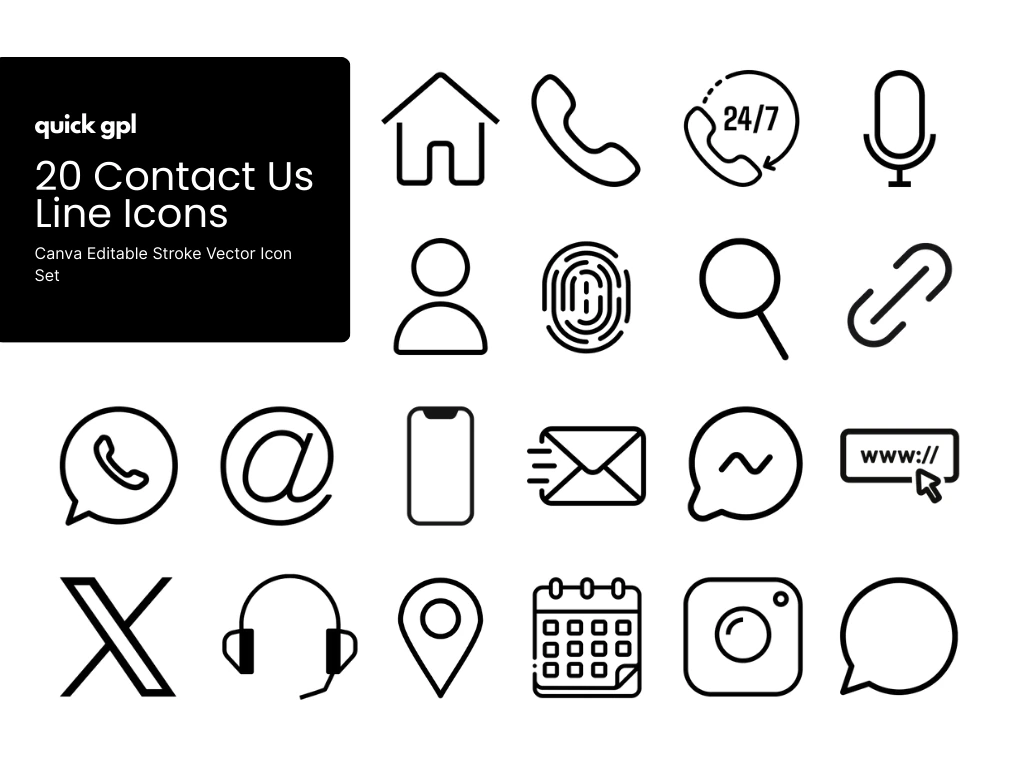
The Contact Us Line Icon Bundle from QuickGPL is designed for modern brands and developers who need clean, professional visuals for communication elements. This bundle includes 20 premium line icons such as phone, mail, address, chat, map, website, operator, and support icons.
Created in Canva, the icons are easy to edit, resize, and recolor—making them flexible for any design project. Whether you’re a designer, developer, or small business owner, you can quickly adapt these icons in Canva, Photoshop (PSD), Illustrator (AI), websites, mobile apps, and digital presentations.
These scalable vector icons ensure your design stays sharp on all devices, from websites to mobile screens. Perfect for Contact Us pages, app interfaces, business branding, and marketing campaigns.
Common Questions (FAQ)
Can I edit these Contact Us icons in Canva?
Yes! These icons are created in Canva, so you can easily change colors, resize, and export them for any project without needing advanced design skills.
What file formats are included in the Contact Us Line Icon Bundle?
The set includes scalable vector icons that can be used in Canva, PSD, AI, websites, apps, and most popular design tools.
Where can I use these icons?
They’re perfect for Contact Us pages, navigation menus, mobile apps, business websites, UI/UX projects, and marketing materials.
Are these icons resizable without losing quality?
Yes, they are 100% vector icons, meaning you can scale them up or down to any size without pixelation.
Can I use these icons in both websites and apps?
Definitely. These icons are optimized for digital use across platforms, making them ideal for both websites and mobile applications.
How do editable stroke icons help in design?
Editable stroke icons let you adjust line thickness, size, and style to match your design theme, giving you full creative flexibility.
Can I use Canva icons in Photoshop?
Yes! To use your Canva icons in Photoshop:
-
Open your Canva design.
-
Click Share → Download.
-
Select SVG (vector) or PNG (high-res raster).
-
Open the exported file in Photoshop. SVG allows vector editing; PNG is good for standard resizing.
How do I use Canva icons in Illustrator?
-
Download your icons from Canva as SVG.
-
Open Adobe Illustrator and go to File → Open → Select SVG.
-
You can now edit shapes, strokes, colors, and sizes without losing quality.
Can I use Canva icons in Figma?
Yes!
-
Export icons from Canva as SVG.
-
Drag and drop the SVG file into Figma.
-
Edit colors, size, and stroke directly in Figma while keeping them vector.
What if I only have PNG from Canva?
PNG files can be used in Photoshop, Illustrator, Figma, or websites, but:
-
They are raster images → cannot edit strokes or shapes individually.
-
Best for web, apps, presentations, and static designs.
Can I change the color and size of Canva icons in other tools?
-
SVG vector files → fully editable: change stroke, color, and size.
-
PNG files → size can be adjusted but color editing is limited unless you use Photoshop masking or filters.
Why include SVG format for icon bundles?
Including SVG ensures full compatibility with Photoshop, Illustrator, Figma, and other design tools. It also guarantees your icons remain crisp and scalable for websites, apps, and print.