Features & Specs
The 1Page Masonry News Theme is a stylish, responsive WordPress theme built for modern publishers. Whether you want to launch a news website, online magazine, or a blog that shares interesting articles and links, this theme gives you a clean masonry grid layout that makes your content stand out.
This is the 100% original GPL licensed version—safe, legal, update-ready, and never cracked or nulled. With full GPL rights, you can use it on unlimited websites and enjoy continuous updates.
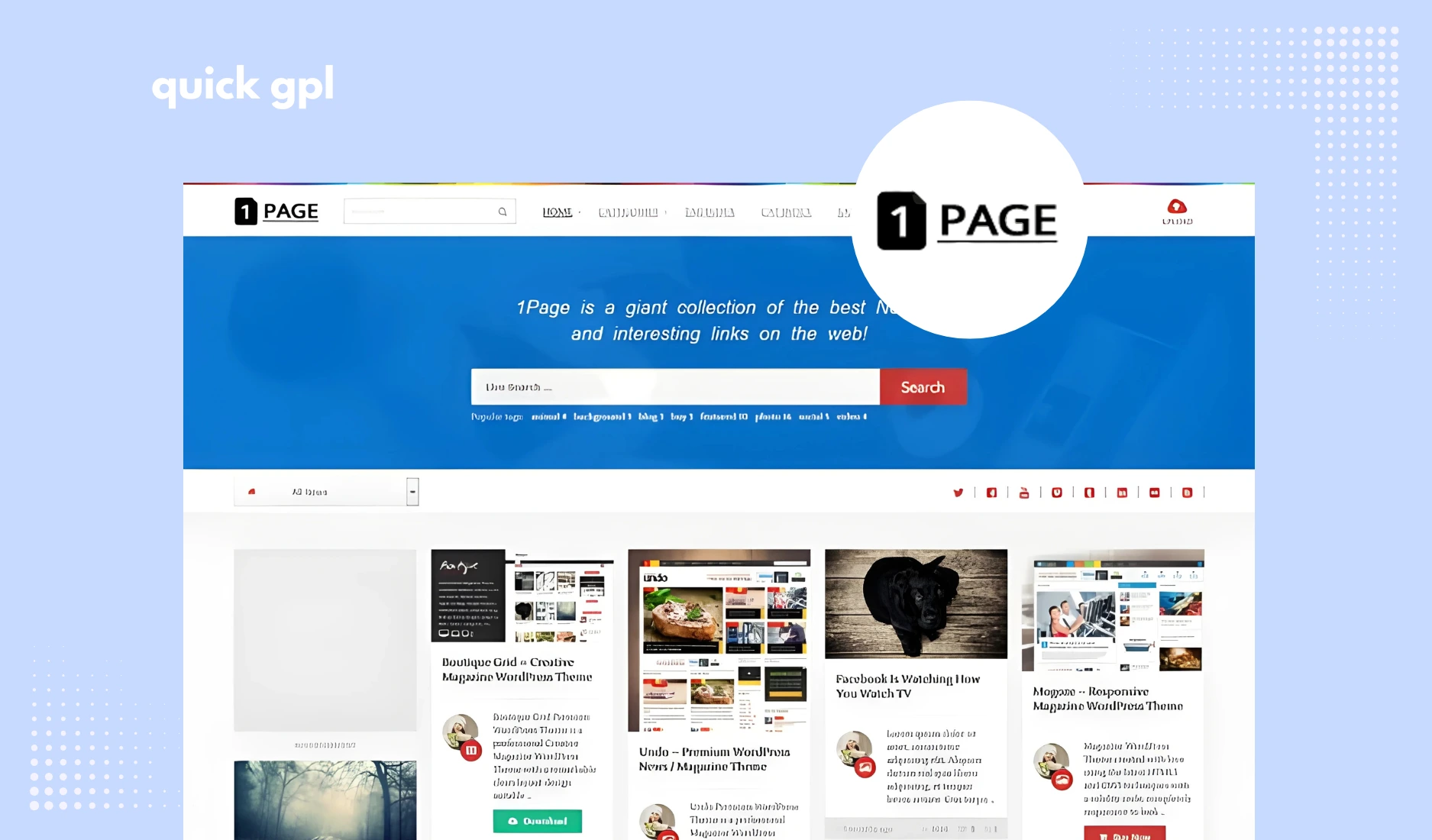
How do I set up the 1Page Masonry News Theme?
Download the 1Page Masonry News Theme (GPL) from quickgpl, and follow these step to install the theme easily in your WordPress website.
- In your WordPress dashboard, go to Appearance → Themes → Add New → Upload Theme, upload the ZIP, Activate, and when prompted install
- Activate any required or recommended plugins.
- Head to Appearance → Import Demo Data (or the theme’s demo importer) to pull in a starter layout.
- Then open Appearance → Customize to set Site Identity, colors, fonts, and the masonry grid layout options
- Create your core pages (Home, Posts/News, Contact)
- Assign Home as a static front page under Settings → Reading, build your Menus (primary/top and footer), and add any sidebar/footer Widgets
- In Posts, add Featured Images for every article so the masonry cards look sharp
- Organize with Categories/Tags, and tweak Permalinks to “Post name” for cleaner URLs; if you use Elementor, enable it for posts/pages and design custom blocks or a news header, otherwise use Gutenberg blocks
- Finally, polish performance—compress images (ShortPixel/Smush), enable a cache (WP Rocket/LSCache), and lazy-load media—so your WordPress news/magazine site stays fast, SEO-friendly, and ready to publish.
What type of website can I build with 1Page Masonry News Theme?
You can create news portals, lifestyle blogs, viral content sites, magazine-style websites, or link-curation hubs. Basically, if your website relies on publishing and showcasing content, this theme fits perfectly.
Is 1Page Masonry News Theme beginner-friendly?
Yes. You don’t need coding skills to set it up. The theme works smoothly with the WordPress block editor (Gutenberg) and gives you easy customization options for layout, colors, fonts, and featured posts.
Does 1Page Masonry News Theme work with Elementor?
Yes, the theme is fully compatible with Elementor, so you can use drag-and-drop editing to design custom layouts without touching code. This makes it flexible for beginners and advanced users who want more design control beyond the default settings.
Does 1Page Masonry News Theme work on mobile?
Absolutely. The theme is fully responsive, meaning your site will adapt beautifully to phones, tablets, and desktops. This is crucial for user experience and also helps with Google SEO ranking.
Is 1Page Masonry News Theme SEO-friendly?
Yes. It’s designed to load quickly, with lightweight code that supports fast performance. The masonry layout also helps reduce bounce rate because readers enjoy browsing content in a visual grid style.
Why choose 1Page Masonry News Theme instead of other themes?
Unlike bulky multipurpose themes, 1Page Masonry News Theme is focused and optimized for news, magazine, and content sharing sites. It gives you a professional look without overwhelming features that slow down your website.
In short, if you’re looking for a reliable, modern, and GPL-licensed theme to build a WordPress news or magazine site, the 1Page Masonry News Theme is an excellent choice.




