

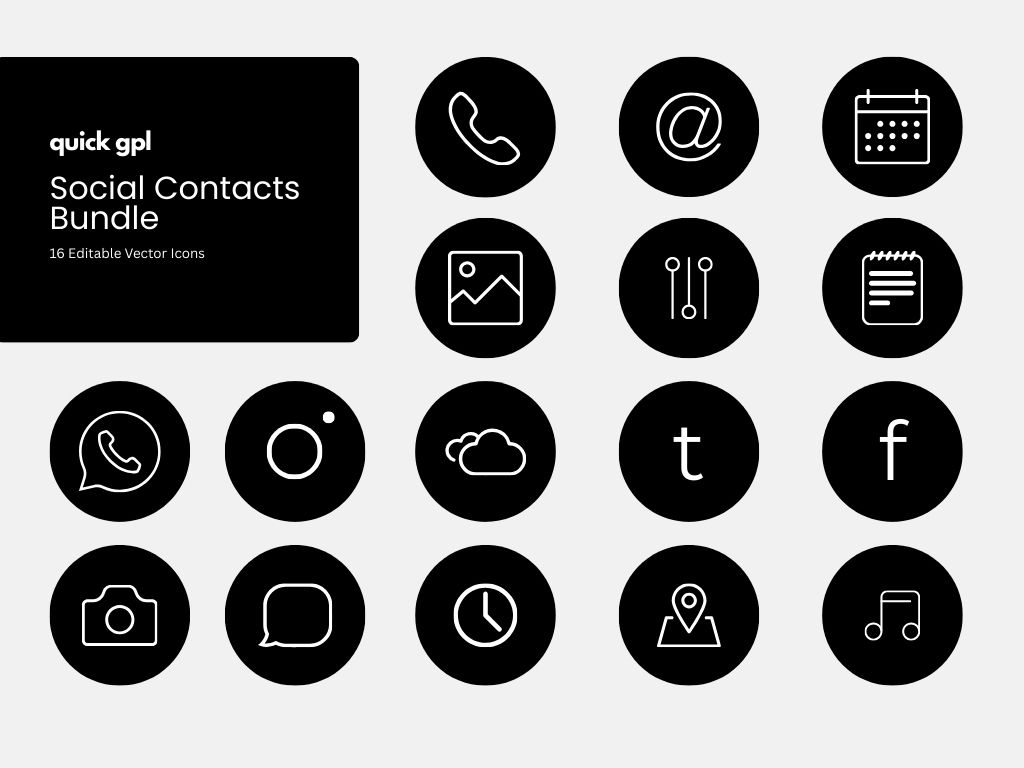
Social Contacts Icon Bundle – 16 Vectors

4.99$

Update: September 16, 2025
Lisnse: No Virus, Multiple Use, Non-Reseller, Commercial Use, Personal Project
Developer: Quick GPL
Product Type: Icon
Use In: Canva

How's Your Experience?

Download Full Month for $5

মাত্র ৮৫ টাকায় সারা মাস

Get instant access to thousands of premium assets for just $5 — join now and make the most of this unbeatable opportunity!

মাত্র ৮৫ টাকায় প্রিমিয়াম মেম্বার হয়ে আনলক করুন হাজারো প্রিমিয়াম অ্যাসেট — সুযোগটি হাতছাড়া করবেন না!

You May Need

Features & Specs

Can I use Canva icons in Photoshop?

Yes! To use your Canva icons in Photoshop:

  1. Open your Canva design.

  2. Click Share → Download.

  3. Select SVG (vector) or PNG (high-res raster).

  4. Open the exported file in Photoshop. SVG allows vector editing; PNG is good for standard resizing.

How do I use Canva icons in Illustrator?

  1. Download your icons from Canva as SVG.

  2. Open Adobe Illustrator and go to File → Open → Select SVG.

  3. You can now edit shapes, strokes, colors, and sizes without losing quality.

Can I use Canva icons in Figma?

Yes!

  1. Export icons from Canva as SVG.

  2. Drag and drop the SVG file into Figma.

  3. Edit colors, size, and stroke directly in Figma while keeping them vector.

What if I only have PNG from Canva?

PNG files can be used in Photoshop, Illustrator, Figma, or websites, but:

  • They are raster images → cannot edit strokes or shapes individually.

  • Best for web, apps, presentations, and static designs.

Can I change the color and size of Canva icons in other tools?

  • SVG vector files → fully editable: change stroke, color, and size.

  • PNG files → size can be adjusted but color editing is limited unless you use Photoshop masking or filters.

Why include SVG format for icon bundles?

Including SVG ensures full compatibility with Photoshop, Illustrator, Figma, and other design tools. It also guarantees your icons remain crisp and scalable for websites, apps, and print.

Shopping Cart
Home
Account
Menu
Pricing
0
Cart
×
Scroll to Top